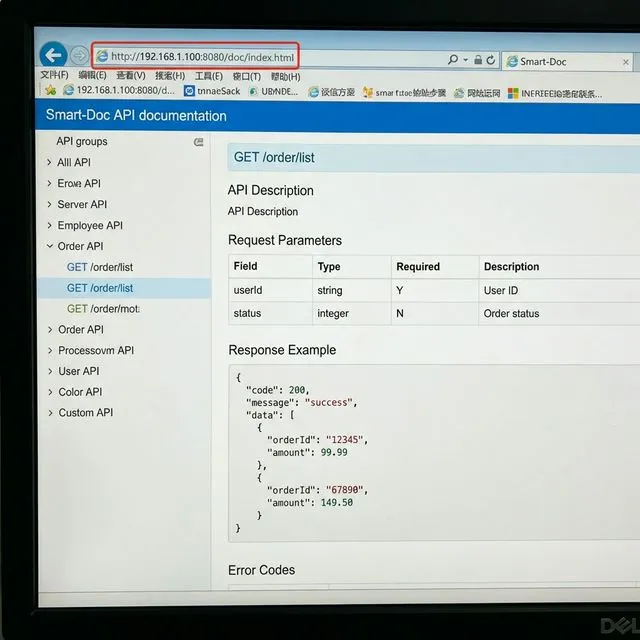

smart-doc 使用注释生成接口文档
一、写在前面
程序员最讨厌的事情就是写文档,尤其是接口文档。之前也用过 swagger,但是感觉每个类、方法、字段都要加注解,实在是太麻烦了,最近发现 smart-doc 很好的解决了这个问题,因为它是无侵入式的,只要正常写 Java 注释,它就能帮你生成各种格式的接口文档。
官方文档地址:https://smart-doc-group.github.io/#/zh-cn/
二、maven 插件配置
<plugin>
    <groupId>com.github.shalousun</groupId>
    <artifactId>smart-doc-maven-plugin</artifactId>
    <version>2.6.0</version>
    <executions>
        <execution>
            <phase>compile</phase>
            <goals>
                <goal>html</goal>
            </goals>
        </execution>
    </executions>
    <configuration>
        <configFile>./src/main/resources/smart-doc.json</configFile>
    </configuration>
</plugin>
这里生成的格式为 html,配置文件目录为 ./src/main/resources/smart-doc.json
三、配置文件
{
  "serverUrl": "http://127.0.0.1:8236",
  "pathPrefix": "/",
  "isStrict": false,
  "allInOne": true,
  "outPath": "target/classes/static/doc",
  "coverOld": true,
  "createDebugPage": true,
  "style":"atelier_cave-light",
  "allInOneDocFileName":"index.html",
  "errorCodeDictionaries": [{
    "title": "响应码",
    "enumClassName": "com.aizz.mindmingle.common.ResponseCode",
    "codeField": "code",
    "descField": "desc"
  }],
  "revisionLogs": [{
    "version": "1.0",
    "revisionTime": "2023-11-24 10:30",
    "status": "create",
    "author": "zhangyuliang",
    "remarks": "创建"
  }]
}
这里配置了接口文档的生成目录和响应码等信息,还可以配置静态常量和数据字典,具体可参考官方文档。
四、生成接口文档
正常 mvn clean package 可以生成接口文档
也可通过命令生成
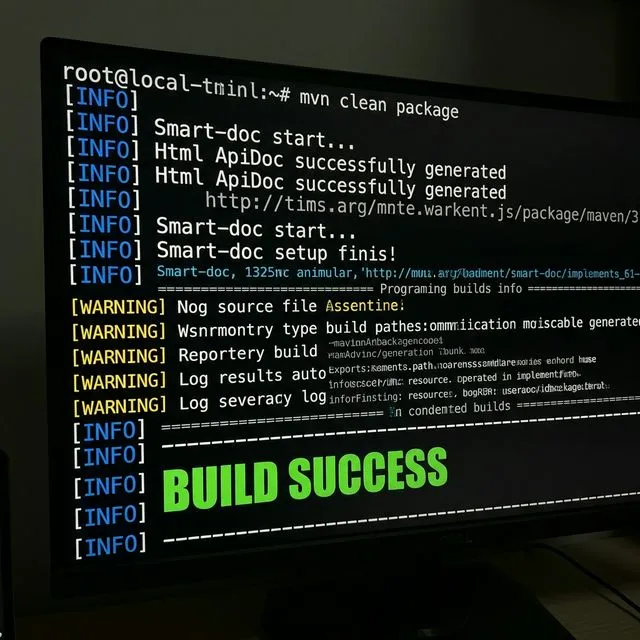
下图为 smart-doc.json 配置文件和生成后的接口文档在项目中的展示
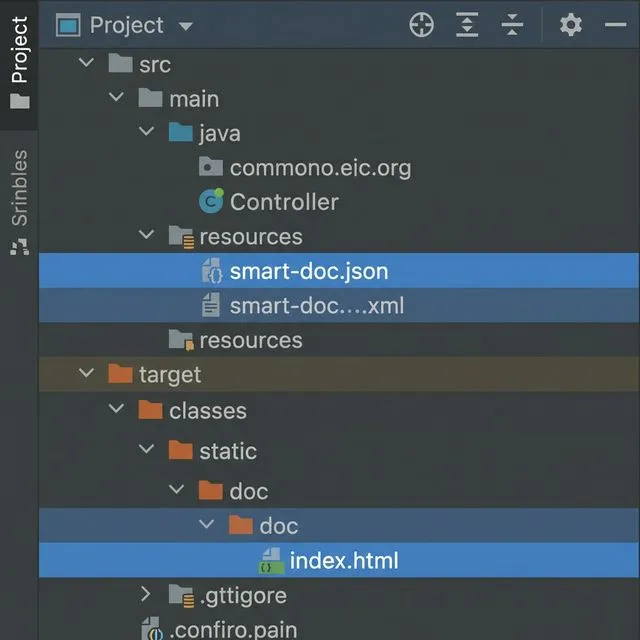
五、文档展示
5.1 本地
本地直接打开 html 文件即可
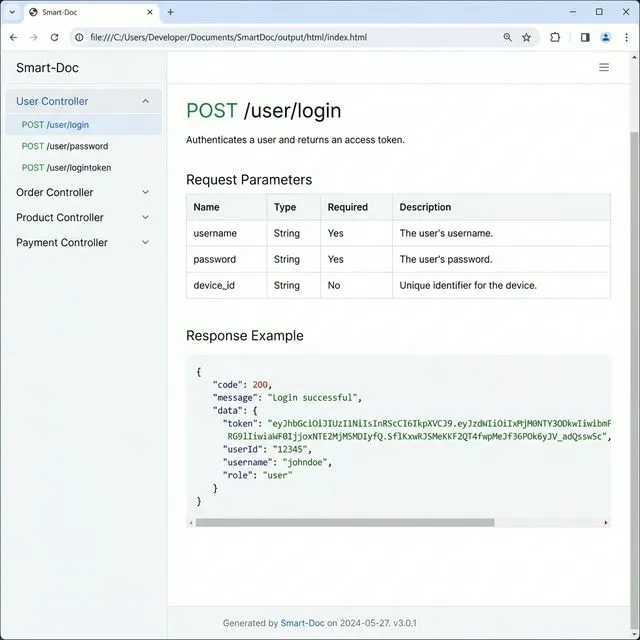
5.2 服务器
远端访问格式为——ip:端口/context-path/doc/index.html