
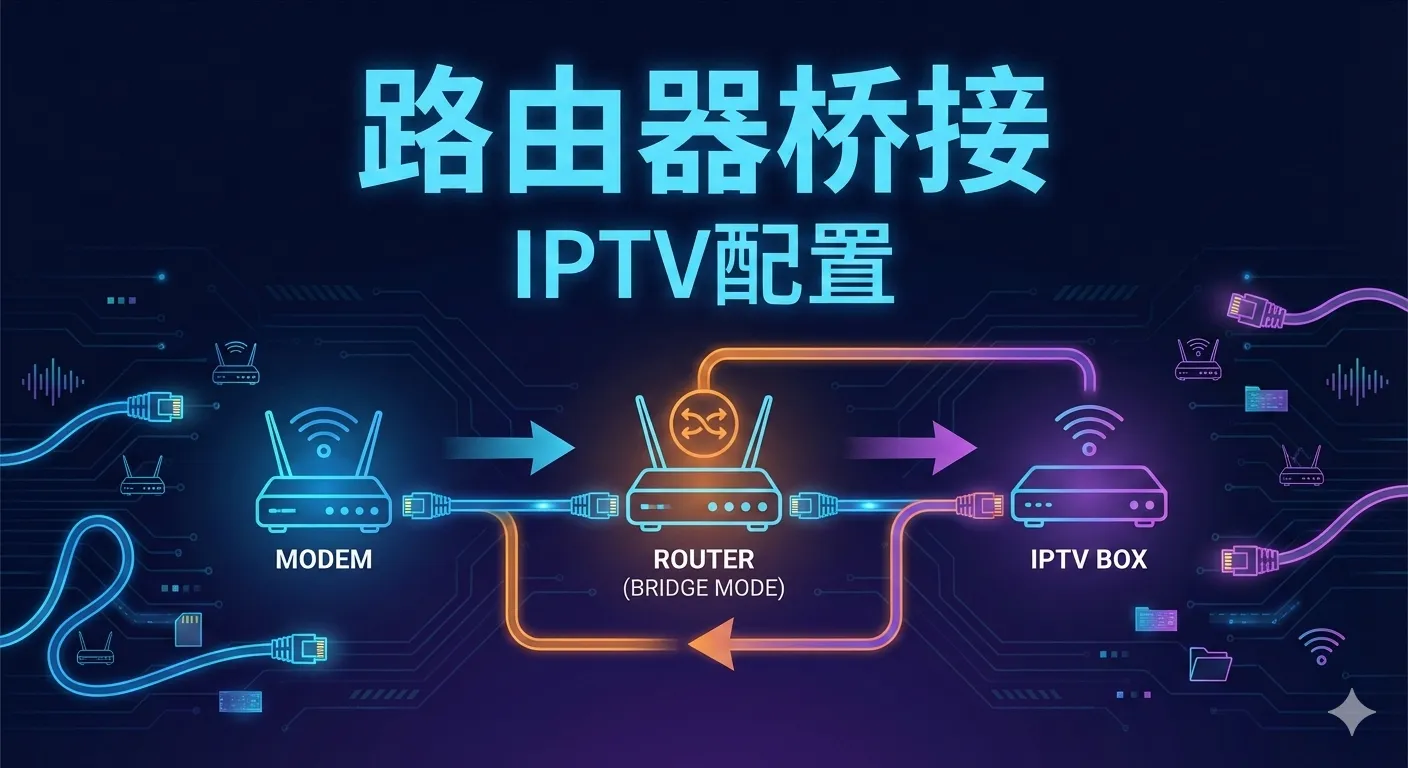
Converting Optical Modem from Router to Bridge Mode While Supporting IPTV
Recently, when using Apple TV, I experienced severe lag (wireless connection), so I decided to modify the network setup. Since there’s only one ethernet port under the living room TV that needs to be used by both IPTV and Apple TV simultaneously, the only option is to convert the optical modem to bridge mode.
1. Converting from Router Mode to Bridge Mode
1.1 Optical Modem Configuration
My home broadband is China Telecom with 500MB downstream bandwidth. I got the super administrator password from the broadband technician. Enter 192.168.1.1 in the browser, input the account and password to access the following interface:

The optical modem is in router mode by default, meaning the modem handles the dial-up internet connection.
In network settings, select the internet connection, change the connection mode to bridge, and check the iTV option to facilitate the next step for iTV setup.

After successful configuration, you can see on the optical modem that the connection method has been changed to bridge.

I’m using ethernet port 3, as shown in the figure:

1.2 Router Configuration
I’m using a Redmi AC2100 router with the Padavan firmware. Enter 192.168.123.1 in the browser, input the account and password to access the following interface:

In Advanced Settings -> External Network -> External Settings, change the external network connection type to PPPoE dial-up, and enter the broadband account and password below.

2. IPTV Configuration
2.1 Optical Modem Configuration
Bind VLAN
From the network connection, you can see that the IPTV VlanId is 43.

Since I used ethernet port 3 in the previous step, I’ll also bind IPTV to ethernet port 3 here.

2.2 Router Configuration
For external network settings, I’m using LAN1 (the first ethernet port), and binding VLAN ID 43 to both VLAN CPU and VLAN LAN1.

For internal network settings, go to IPTV settings, enable IGMP/MLD snooping in multicast traffic, and select Multicast to Unicast for M2U - Ethernet Switch.
