
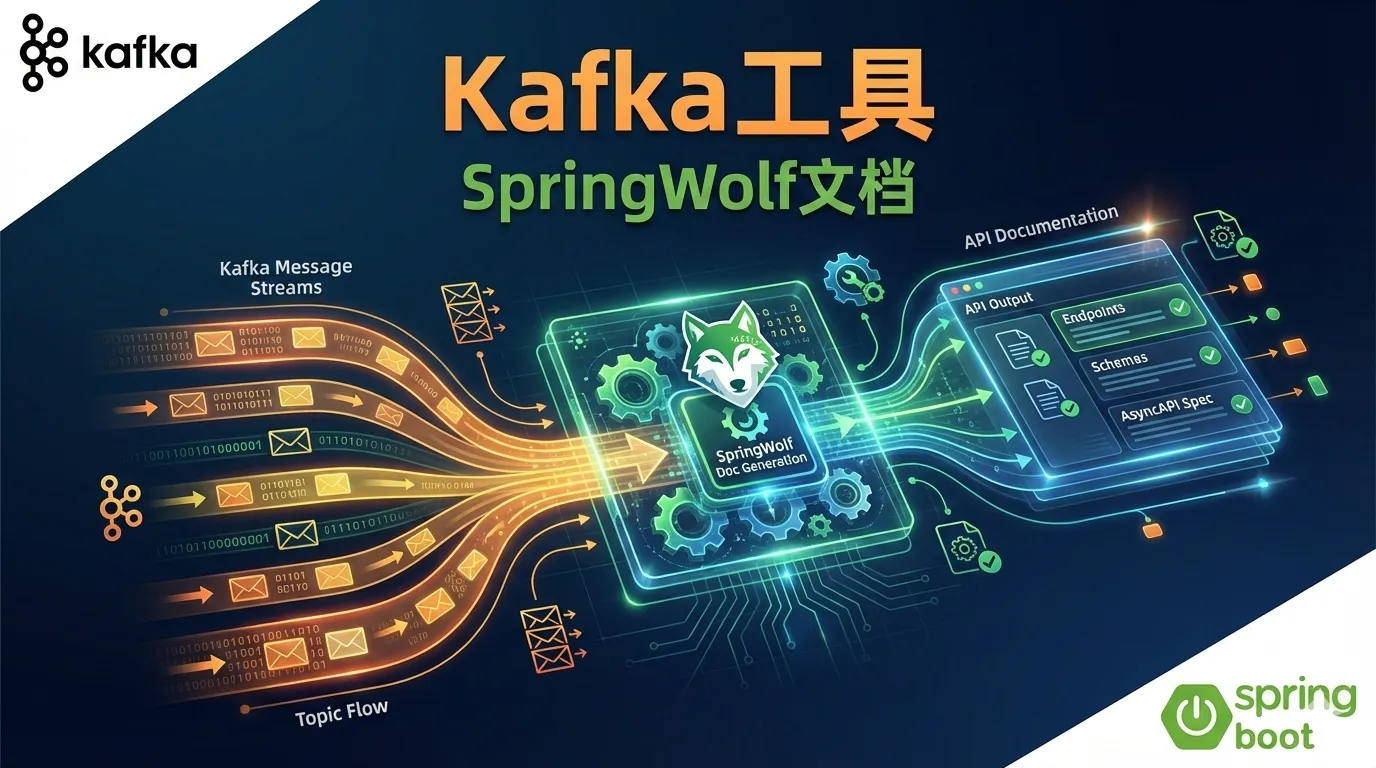
Kafka Tools on Mac & SpringWolf API Documentation
This article introduces commonly used Kafka connection tools on Mac and how to integrate SpringWolf in SpringBoot projects to generate documentation for async message interfaces.
1. Kafka Connection Tools on Mac
Having a good GUI tool for managing and debugging Kafka on Mac can greatly improve efficiency. Here are some recommended Kafka client tools:
1.1 Offset Explorer (formerly Kafka Tool)
Offset Explorer is a veteran Kafka GUI tool with these features:
- Free to use (personal edition)
- View Topics, Partitions, Consumer Groups
- Browse message content
- Support multiple serialization formats (String, JSON, Avro, etc.)
Installation:
# Download DMG installer from official website
# https://www.kafkatool.com/download.html
1.2 Conduktor
Conduktor is a powerful Kafka Desktop tool:
- Modern UI design
- Schema Registry support
- Built-in SQL query functionality
- Kafka Connect management
Installation:
brew install --cask conduktor1.3 AKHQ (formerly KafkaHQ)
AKHQ is an open-source Web UI tool:
- Completely open source and free
- Web-based, cross-platform
- Multi-cluster management
- Lightweight, easy Docker deployment
Quick Start:
docker run -d \
  -p 8080:8080 \
  -e AKHQ_CONFIGURATION="akhq.connections.docker-kafka-server.properties.bootstrap.servers=host.docker.internal:9092" \
  tchiotludo/akhq
1.4 kcat (formerly kafkacat)
kcat is a powerful CLI tool for those who prefer command line:
Installation:
brew install kcatCommon Commands:
# List all Topics
kcat -L -b localhost:9092

# Consume messages
kcat -C -b localhost:9092 -t my-topic

# Produce messages
echo "Hello Kafka" | kcat -P -b localhost:9092 -t my-topic
1.5 Tools Comparison
| Tool | Type | Open Source | Price | Recommended For |
|---|---|---|---|---|
| Offset Explorer | Desktop | No | Free/Paid | Daily development |
| Conduktor | Desktop | No | Free/Paid | Enterprise needs |
| AKHQ | Web | Yes | Free | Team sharing, Docker |
| kcat | CLI | Yes | Free | Scripting, quick debug |
2. Integrating SpringWolf with SpringBoot
SpringWolf is a tool that automatically generates AsyncAPI documentation for Spring projects, similar to what Swagger/OpenAPI does for REST APIs, but specifically for async messaging (Kafka, RabbitMQ, etc.).
2.1 Why SpringWolf?
In microservice architectures, service-to-service communication via message queues is common. Unlike REST APIs, async message interfaces often lack documentation, leading to:
- Other teams don’t know message formats
- Hard to maintain and debug
- Lack of unified interface specifications
SpringWolf generates standard AsyncAPI documentation by scanning Kafka listeners in your project.
2.2 Add Dependencies
Add SpringWolf dependencies in pom.xml:
<dependency>
    <groupId>io.github.springwolf</groupId>
    <artifactId>springwolf-kafka</artifactId>
    <version>1.8.0</version>
</dependency>

<!-- Optional: Enable UI -->
<dependency>
    <groupId>io.github.springwolf</groupId>
    <artifactId>springwolf-ui</artifactId>
    <version>1.8.0</version>
</dependency>
For Gradle:
implementation 'io.github.springwolf:springwolf-kafka:1.8.0'
implementation 'io.github.springwolf:springwolf-ui:1.8.0'
2.3 Configure SpringWolf
Add configuration in application.yml:
springwolf:
  docket:
    info:
      title: Order Service AsyncAPI Documentation
      version: 1.0.0
      description: Kafka message interface documentation for Order Service
      contact:
        name: Development Team
        email: dev@example.com
    servers:
      kafka:
        protocol: kafka
        host: localhost:9092
    base-package: com.example.order
2.4 Write Kafka Listeners
Use @AsyncListener and @AsyncOperation annotations to document your Kafka consumers:
import io.github.springwolf.bindings.kafka.annotations.KafkaAsyncOperationBinding;
import io.github.springwolf.core.asyncapi.annotations.AsyncListener;
import io.github.springwolf.core.asyncapi.annotations.AsyncOperation;
import org.springframework.kafka.annotation.KafkaListener;
import org.springframework.stereotype.Service;

@Service
public class OrderConsumer {

    @AsyncListener(
        operation = @AsyncOperation(
            channelName = "order-created",
            description = "Receive order creation events",
            payloadType = OrderCreatedEvent.class
        )
    )
    @KafkaAsyncOperationBinding(groupId = "order-service")
    @KafkaListener(topics = "order-created", groupId = "order-service")
    public void handleOrderCreated(OrderCreatedEvent event) {
        // Handle order creation event
        System.out.println("Received order: " + event.getOrderId());
    }
}
2.5 Define Message Payload
import io.swagger.v3.oas.annotations.media.Schema;
import lombok.Data;

@Data
@Schema(description = "Order Created Event")
public class OrderCreatedEvent {

    @Schema(description = "Order ID", example = "ORD-2024-001")
    private String orderId;

    @Schema(description = "User ID", example = "USER-123")
    private String userId;

    @Schema(description = "Order Amount", example = "99.99")
    private double amount;

    @Schema(description = "Created Time", example = "2024-12-27T10:00:00Z")
    private String createdAt;
}
2.6 Publisher Documentation
For producers, use @AsyncPublisher annotation:
import io.github.springwolf.core.asyncapi.annotations.AsyncPublisher;
import io.github.springwolf.core.asyncapi.annotations.AsyncOperation;
import org.springframework.kafka.core.KafkaTemplate;
import org.springframework.stereotype.Service;

@Service
public class OrderProducer {

    private final KafkaTemplate<String, Object> kafkaTemplate;

    public OrderProducer(KafkaTemplate<String, Object> kafkaTemplate) {
        this.kafkaTemplate = kafkaTemplate;
    }

    @AsyncPublisher(
        operation = @AsyncOperation(
            channelName = "order-shipped",
            description = "Send order shipped events"
        )
    )
    public void sendOrderShipped(OrderShippedEvent event) {
        kafkaTemplate.send("order-shipped", event);
    }
}
2.7 Access Documentation
After starting the application, access via:
- AsyncAPI JSON:
http://localhost:8080/springwolf/docs - UI Interface:
http://localhost:8080/springwolf/asyncapi-ui.html
2.8 Complete Project Structure
src/main/java/com/example/order/
├── OrderApplication.java
├── config/
│   └── KafkaConfig.java
├── consumer/
│   └── OrderConsumer.java
├── producer/
│   └── OrderProducer.java
└── event/
    ├── OrderCreatedEvent.java
    └── OrderShippedEvent.java
3. Best Practices
3.1 Naming Conventions
- Topic names use lowercase with hyphens:
order-created,payment-completed - Event class names use past participle:
OrderCreatedEvent,PaymentCompletedEvent
3.2 Documentation Maintenance
- Keep
@Schemaannotations consistent with actual fields - Regularly check AsyncAPI documentation accuracy
- Integrate documentation export in CI/CD
3.3 Version Management
- Use version numbers to distinguish different message formats
- Backward compatibility: new fields are optional, don’t remove existing fields
4. Summary
- Mac Kafka Tools: Use Offset Explorer for daily dev, AKHQ for team collaboration, kcat for CLI lovers
- SpringWolf Advantages: Auto-generate AsyncAPI docs, provide visual UI, seamless Spring Kafka integration
- Documentation as Code: Maintain docs through annotations, reduce doc-code inconsistency
Hope this article helps you be more efficient in Kafka development!