
Build Your Own Relay with Claude Relay Service

Claude Code is very helpful for vibe coding, but it requires good network access and accounts can easily get banned.
Last year, three of my accounts were banned, which made me quite resistant to Anthropic for a while.
But recently, I’ve been tempted by various Claude Skills shares, so I decided to learn more.
1. Overview
To use Claude Code, you still need good network access. If that’s not available, you can use domestic alternatives like Zhipu or MiniMax, which are cheap and offer generous quotas.
Here, we’ll use the official Claude as an example to explain how to set up a relay station.
2. Setting Up the Relay
2.1 Subscription
It’s recommended to subscribe on iOS, because web or desktop subscriptions require binding a phone number and credit card.
How to purchase App Store gift cards:
- Open Alipay and switch region to a US city
- Search for “惠出境” (Hui Chujing)
- Click “支付宝惠出境”
- Select “精品大牌折扣礼品卡”
- Choose “App Store & iTunes USA”
- Enter the amount and pay
💡 You’ll typically receive the redemption code within 3 minutes
2.2 Deploy the Relay Service
Before setup, prepare an overseas cloud server. I’m using a 2C2G VPS purchased during Black Friday.
The relay service used is Claude Relay Service, GitHub link:
🔗 https://github.com/Wei-Shaw/claude-relay-service
Deployment method: Choose docker-compose
Configuration: Default parameters are generally fine. I only modified the username and password.
The service opens port 3000 by default. Access via http://ip:3000.
2.3 Domain Proxy
For security reasons, I set up a domain proxy.
Although the relay service recommends Caddy, I noticed CloudFlare certificates can last up to 15 years, so I used CloudFlare certificates instead.
I’m using a subdomain, like claude.your_site.com.
Configuration steps:
- Apply for an Origin certificate from CloudFlare
- Configure Nginx proxy
server {
    listen 443 ssl;
    server_name claude.your_site.com;

    ssl_certificate /path/to/cloudflare.pem;
    ssl_certificate_key /path/to/cloudflare.key;

    location / {
        proxy_pass http://127.0.0.1:3000;
        proxy_set_header Host $host;
        proxy_set_header X-Real-IP $remote_addr;
        proxy_set_header X-Forwarded-For $proxy_add_x_forwarded_for;
        proxy_set_header X-Forwarded-Proto $scheme;
    }
}
2.4 Access the Relay Service
Enter your service address, such as http://ip:3000 or https://claude.your_site.com.
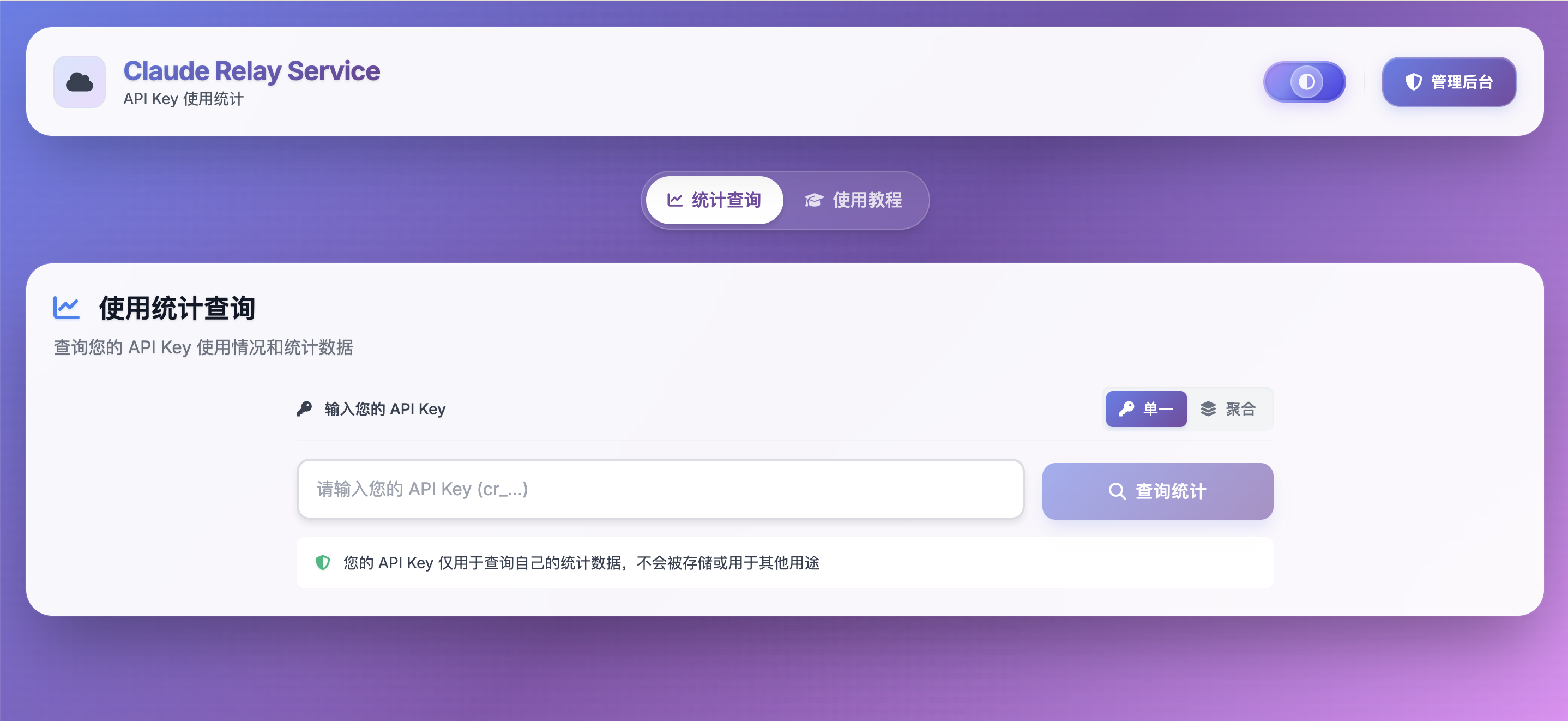
Enter the preset username and password. After logging in, you can set up your Claude account and API Key.
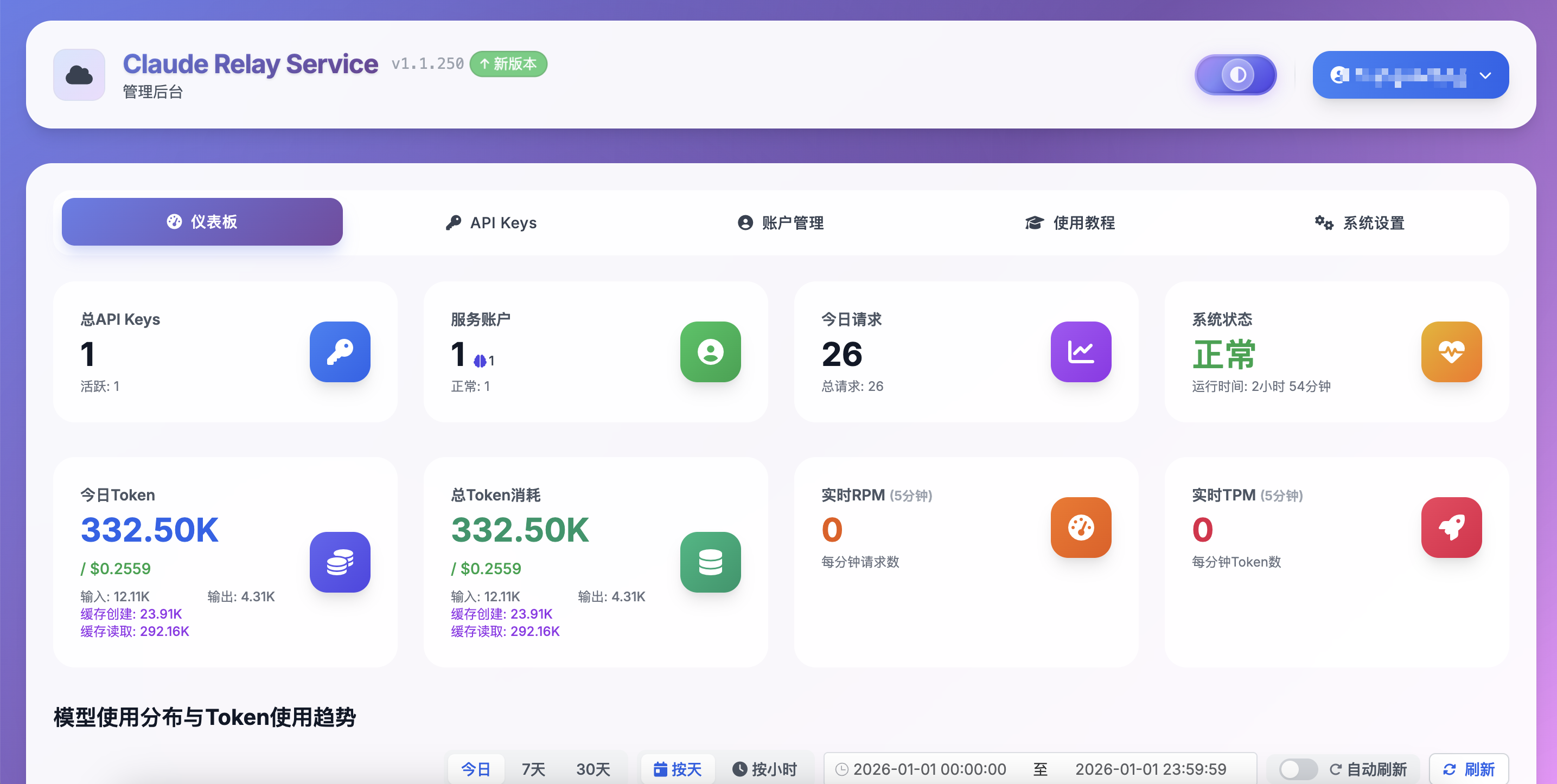
For details, see the Claude Relay Service official tutorial. I tested it briefly after configuration, and you can clearly see the usage details.
3. Summary
It turns out setting up a relay station is so simple — it only took two hours to complete all the above steps.
I originally thought it would be troublesome and even considered buying a third-party solution.
It seems you really need to get your hands dirty.
Many other things are the same — don’t be scared by surface difficulties. As long as you take it step by step, you’ll reach the destination.