
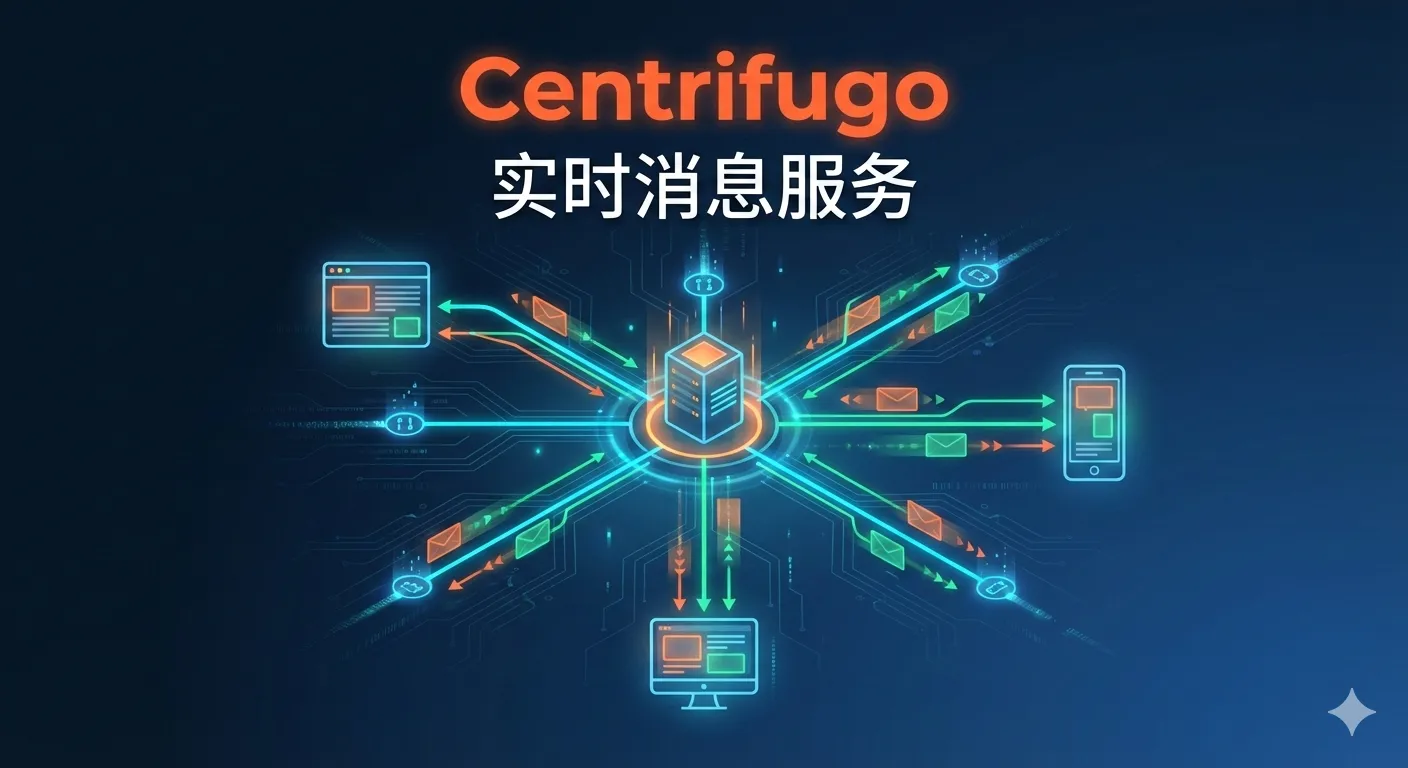
Centrifugo Installation and Usage
1. Installation
Install using docker-compose, specifying the config.json configuration file.
version: "3.9"
services:
  centrifugo:
    container_name: centrifugo
    image: centrifugo/centrifugo:v5
    volumes:
      - ./config.json:/centrifugo/config.json
    command: centrifugo -c config.json
    ports:
      - 8000:8000
    ulimits:
      nofile:
        soft: 65535
        hard: 65535
The docker-compose.yml is as shown above, using v5 version.
{
  "token_hmac_secret_key": "kkc_secret",
  "api_key": "kkc_api_key",
  "admin_password": "password",
  "admin_secret": "secret",
  "admin": true,
  "allowed_origins": ["*"],
  "anonymous": true,
  "publish": true,
  "subscribe_to_publish": true,
  "presence": true,
  "debug":true,
  "client_anonymous":true,
  "join_leave": true,
  "allow_subscribe_for_client": true
}
The config.json configuration is as shown above. When I initially wrote the configuration, I referenced the official quick start guide and only had the first 5 lines, which caused channel subscription to fail. I added the rest later, though it’s still not complete. You can check the official website for specific parameters.
Execute the startup command
docker-compose up -dIn the browser, enter IP + port 8000, and input the admin_password from the configuration file to enter the main page, as shown:

2. Server-side Push and Client Token Generation
2.1 Maven Dependencies
<dependency>
    <groupId>com.auth0</groupId>
    <artifactId>java-jwt</artifactId>
    <version>3.19.2</version>
</dependency>
<dependency>
    <groupId>org.springframework.cloud</groupId>
    <artifactId>spring-cloud-starter-openfeign</artifactId>
    <version>3.1.1</version>
</dependency>
Import java-jwt dependency for token generation.
Import spring-cloud-starter-openfeign dependency for Centrifugo API calls.
2.2 Client Token Generation
public static String generateToken(String user) {
    return JWT.create()
            .withExpiresAt(new Date(System.currentTimeMillis() + 86400 * 100000))
            .withClaim("sub", user)
            .withSubject(user)
            .sign(Algorithm.HMAC256("kkc-secret"));
}
The above code generates a client token. You can customize the expiration time. The secret key is the token_hmac_secret_key configured in config.json.
2.3 Server-side Push
2.3.1 Structure Definition
@Data
@AllArgsConstructor
@NoArgsConstructor
@Builder
public class InstantStructDTO {

    /**
     * Method
     */
    private String method;

    /**
     * Parameters
     */
    private InstantMsgDTO params;
}@Data
@AllArgsConstructor
@NoArgsConstructor
@Builder
public class InstantMsgDTO {
/**
* Channel
*/
private String channel;
/**
* Channel list
*/
private List<String> channels;
/**
* User
*/
private String user;
/**
* Data
*/
private JSONObject data;
/**
* Information
*/
private JSONObject info;
}2.3.2 Open-Feign Call
Configure header uniformly, adding X-API-Key to the header with the value of api_key configured in config.json.
public class InstantMsgConfiguration {

    @Bean
    public RequestInterceptor MyBasicAuthRequestInterceptor() {
        return new MyBasicAuthRequestInterceptor();
    }

    static class MyBasicAuthRequestInterceptor implements RequestInterceptor {

        @Override
        public void apply(RequestTemplate requestTemplate) {
            requestTemplate.header("X-API-Key", "kkc_api_key");
        }
    }
}
FallbackFactory definition.
@Component
public class InstantMsgServiceFallbackFactory implements FallbackFactory<InstantMsgService> {

    @Override
    public InstantMsgService create(Throwable cause) {
        return new InstantMsgService() {
            @Override
            public ResponseEntity<Object> sendMsg(InstantStructDTO body) {
                if (cause instanceof FeignException) {
                    FeignException feignException = (FeignException) cause;
                    return ResponseEntity.status(feignException.status()).body(feignException.contentUTF8());
                } else {
                    return null;
                }
            }
        };
    }
}
Service definition.
@FeignClient(name = "instantMsg-server", url = "http://10.64.4.78:8000", configuration = InstantMsgConfiguration.class, fallbackFactory = InstantMsgServiceFallbackFactory.class)
public interface InstantMsgService {

    /**
     * Instant messaging API
     *     * @param body
     * @return
     */    @RequestMapping(value = "/api", method = RequestMethod.POST)
    ResponseEntity<Object> sendMsg(@RequestBody InstantStructDTO body);
}
Of course, don’t forget to add the @EnableFeignClients annotation on the startup class.
2.3.3 Server-side Push
@Resource
private InstantMsgService instantMsgService;

private void sendStatus(String serviceCode, Boolean healthStatus) {
    JSONObject data = new JSONObject();
    data.put("serviceCode", serviceCode);
    data.put("healthStatus", healthStatus);
    InstantMsgDTO instantMsgDTO = InstantMsgDTO.builder()
            .channel("service-register-health")
            .data(data)
            .build();
    InstantStructDTO instantStructDTO = new InstantStructDTO("publish", instantMsgDTO);
    ResponseEntity<Object> response = instantMsgService.sendMsg(instantStructDTO);
    log.debug("instant msg service response:{}", response);
}
The above code pushes the service health status to the frontend using Centrifugo. The feign call process here executes the following HTTP request.
curl --location --request POST '10.64.4.78:8000/api' \
--header 'X-API-Key: kkc_api_key' \
--header 'Content-Type: application/json' \
--data-raw '{
    "method": "publish",
    "params": {
        "channel": "service-register-health",
        "data": {
            "serviceCode": "kkc-whale",
            "healthStatus": true
        }
    }
}'
After the frontend establishes a connection and subscribes to the channel, it will receive the following message:

{"connect":{"token":"eyJ0eXAiOiJKV1QiLCJhbGciOiJIUzI1NiJ9.eyJzdWIiOiJhZG1pbiIsImV4cCI6MTc0NTA2MTE0MH0.POlYmjLFv2xJOjIzNkuJiy5tkpRNz5xynimcxyXufn4","name":"js"},"id":1}
{"subscribe":{"channel":"service-register-health"},"id":2}{"id":1,"connect":{"client":"3c950d00-fcc8-4e89-aae6-34066c582791","version":"5.4.9","expires":true,"ttl":8639947,"ping":25,"pong":true}}
{"id":2,"subscribe":{}}When receiving a push message, as follows:

{"push":{"channel":"service-register-health","pub":{"data":{"serviceCode":"kkc-whale","healthStatus":false}}}}3. Reference
Official website: https://centrifugal.dev/